Why we built yet another browser SDK
For a long time we recommended using Playwright with our cloud browsers. It’s popular, it’s well documented, and most people have used it before.
But anti-bots got smarter. Their researchers know Playwright inside out, and there are a ton of ways to detect it. A good fingerprint, an antidetect browser and good residential proxies won’t help. So we wrote our own SDK, for Python and TypeScript.
When we got tired of patching Playwright
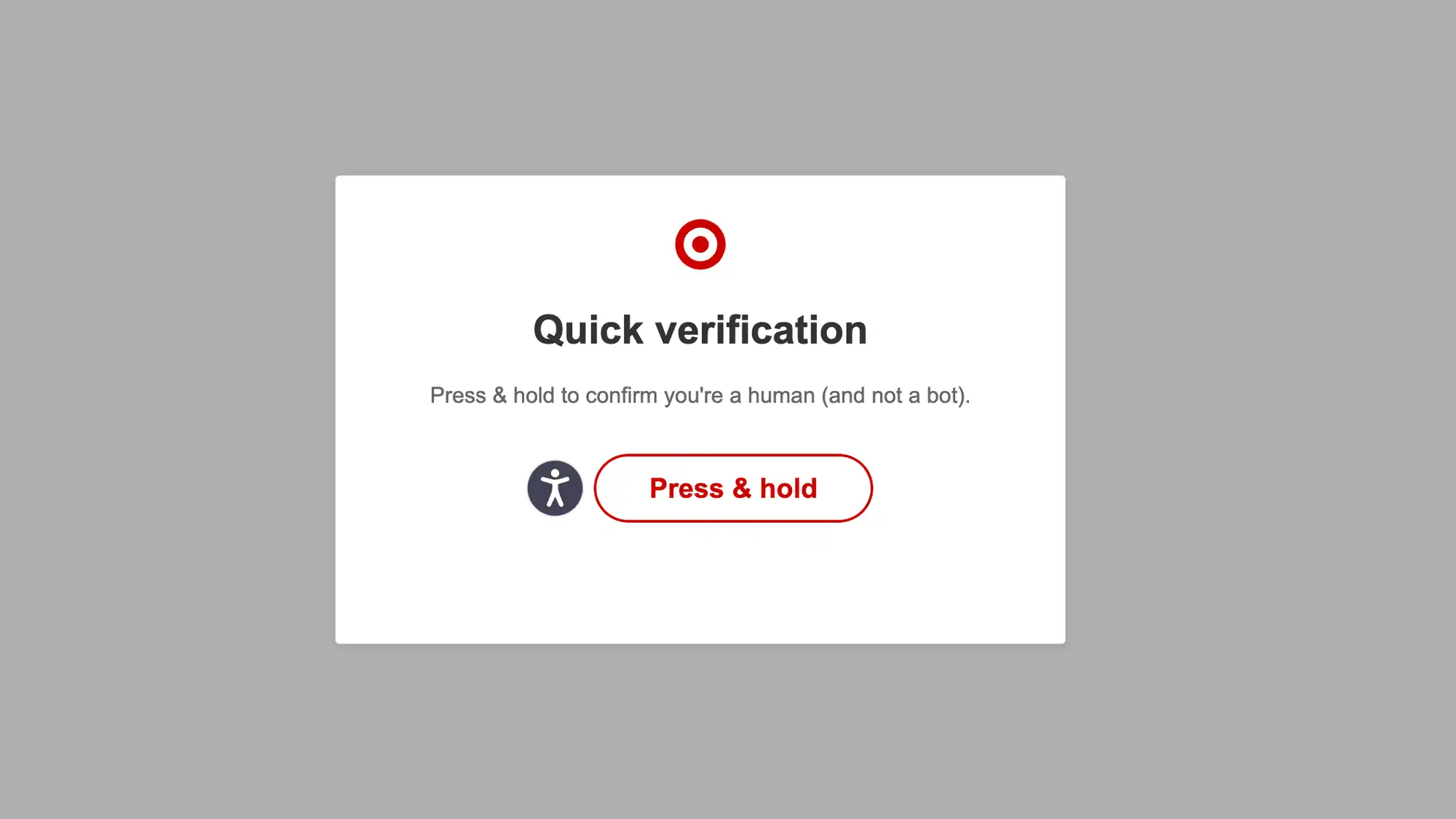
Once, one of our users came to us with a problem. They were collecting prices from one of the largest retailers in the US, protected by HUMAN (formerly PerimeterX). With Playwright, the first product page opened fine and the second showed a “press and hold” challenge.
The proxies and the fingerprint were not the cause. The same browser on the same proxies opened both pages when we used it without Playwright.
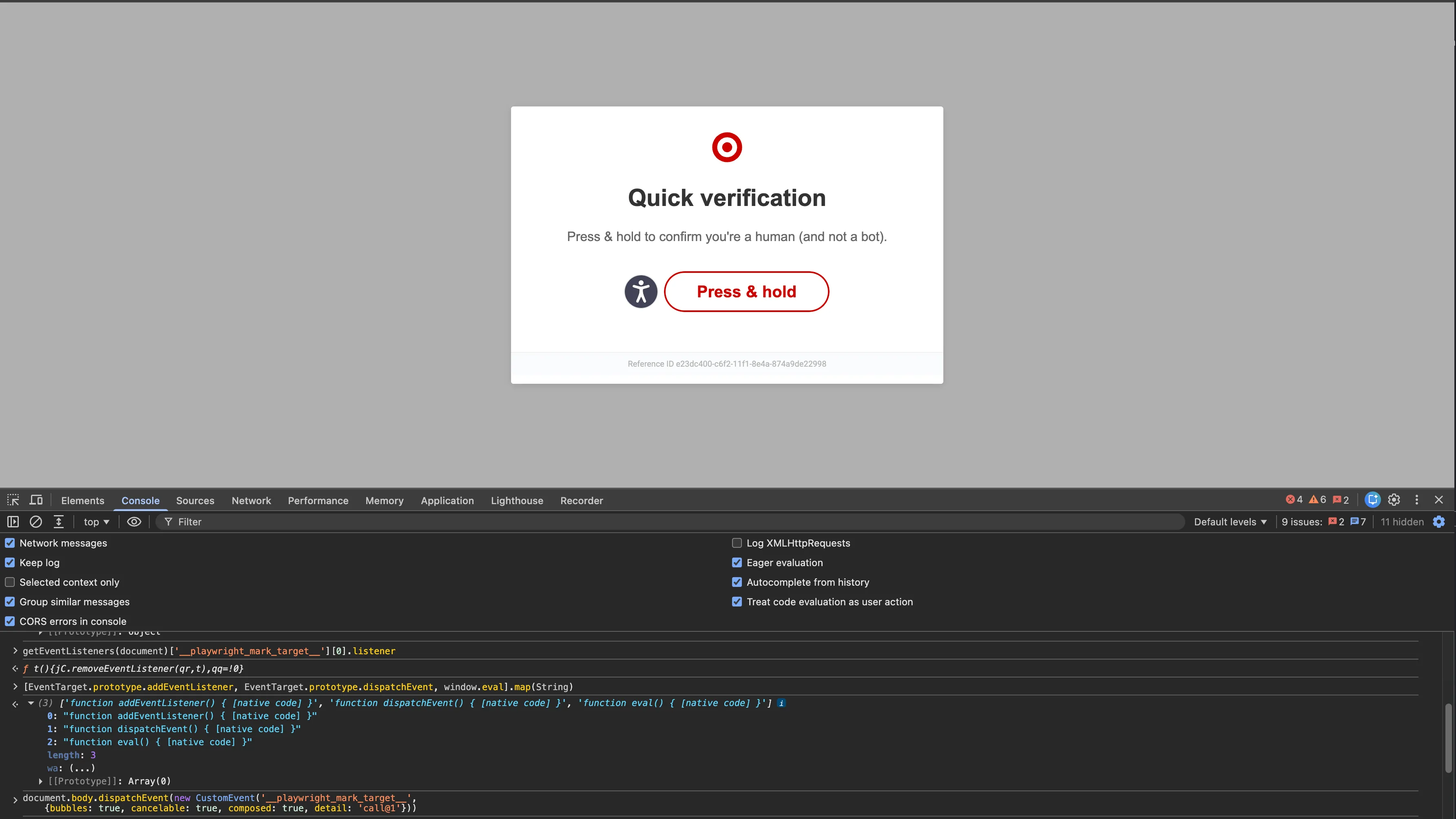
So we looked at the anti-bot script on the page. In it we found a listener for an event called __playwright_mark_target__. When the event fires, the script sends it to the anti-bot server.
Playwright fires this event when it reads text from an element or clicks it. In the user’s script that was inner_text(), the call that read the price. The event exists for Playwright’s trace viewer, it’s sent even when tracing is off, and any script on the page can listen for it.
To confirm, we took a clean browser with no Playwright and fired the event by hand from the console. The next page showed the challenge.
We made a patch just for that user. It worked, but it’s far from ideal. Patchright, the popular stealth fork of Playwright, still has no patch for this event in its list of patches. And it’s only one leak out of many.
In the end we got tired of patching Playwright and wrote our own SDK. It works with the browser directly over CDP, without known automation leaks.
How our SDK is different
Unlike Playwright, the SDK doesn’t install helper scripts in the page, fire marker events or change browser settings.
Clicks and typing come from Surfsky’s human emulation. The cursor moves to a button with uneven speed and small corrections, and text is typed key by key, with pauses. Playwright jumps straight to the target, and its fill() drops the whole text into the field at once.

There is also less to run. Playwright for Python puts a Node.js process between your script and the browser. The SDK talks to the browser directly. It also starts the browser for you, with a proxy and a fingerprint, and stops it when your code is done.
There are other libraries that work with the browser over CDP. With them you still need your own antidetect browser, proxies and human-like input. With the SDK you get all of it in 1 package.
The core of a script looks like this:
async with AsyncSurfsky() as client:
    async with client.browser(proxy=PremiumProxy(country="us")) as browser:
        await browser.goto("https://example.com/product/1")
        print(await browser.inner_text(".price"))
        await browser.click("a.next-product")
The same in TypeScript:
await using client = new Surfsky();
await using browser = await client.browser({
  proxy: { tier: "premium", country: "us" },
});
await browser.goto("https://example.com/product/1");
console.log(await browser.innerText(".price"));
await browser.click("a.next-product");
The SDK also makes full use of your plan. Give it a function and a list of tasks, and it runs them in parallel on every browser your plan allows. You don’t count sessions or manage a pool yourself. If you’d rather use fewer browsers, you can set the number by hand.
We kept the API as simple as possible. The methods are named the way Playwright names them (goto, click, fill and so on), so you already know most of it.
If you already have Playwright or Puppeteer code, you will need to rewrite it. The method names follow Playwright’s, so it’s mostly simple work, and with an LLM it goes fast. You also don’t have to move everything at once. Playwright still works with Surfsky, so you can start with the scripts that get blocked.
The result
Here is what users who moved to the SDK tell us:
- Their success rate is at least 30% higher.
- They get far fewer captchas, and some get none at all.
- Their sessions are no longer flagged as automation.
- Their scripts run faster.
- They write less code. Proxies, human emulation and browser control are built in.
Try it
Sign in at app.surfsky.io and copy your API token and base URL from the dashboard:
export SURFSKY_API_TOKEN='your-token'
export SURFSKY_API_BASE_URL='your-base-url'
Install the SDK:
uv add surfsky     # or: pip install surfsky
bun add surfsky    # or: npm install surfsky
Then start from an example in the repo:
- Python: github.com/surfskyio/surfsky-py
- TypeScript: github.com/surfskyio/surfsky-js
If you work with a coding agent, give it our skill file. It tells the agent how to set up and use the SDK.
We hope the SDK saves you the time we lost chasing leaks and makes your work a little easier. Try it and tell us what you think, good or bad.